
Your ordersrun themselves.
From the moment an order comes in until after delivery: statuses in your own words, checkout fields, shipping labels, invoices, edits and returns.

| Order # | Status | Total |
|---|
Your business steps,
in your own words.
Add a status with your own name, like "Awaiting pickup", and link it to an existing step. Stock and emails work exactly like that step.
Order settings
Configure how this store handles orders.

Ask the customer,
and even charge for it.
Text, checkbox, dropdown, date or image. Define it once, it shows up in your store's checkout, and you can add a surcharge to it. The answer is saved on the order.
Create checkout field
✕Customer must fill this in to finish
What only your team
needs to know.
Warehouse bin, PO number, who packed it, quality check. Fields you define appear on every order under "Internal fields", next to what the customer filled in at checkout.
From checkout
Internal fieldsTeam only

Label, printer,
on its way.
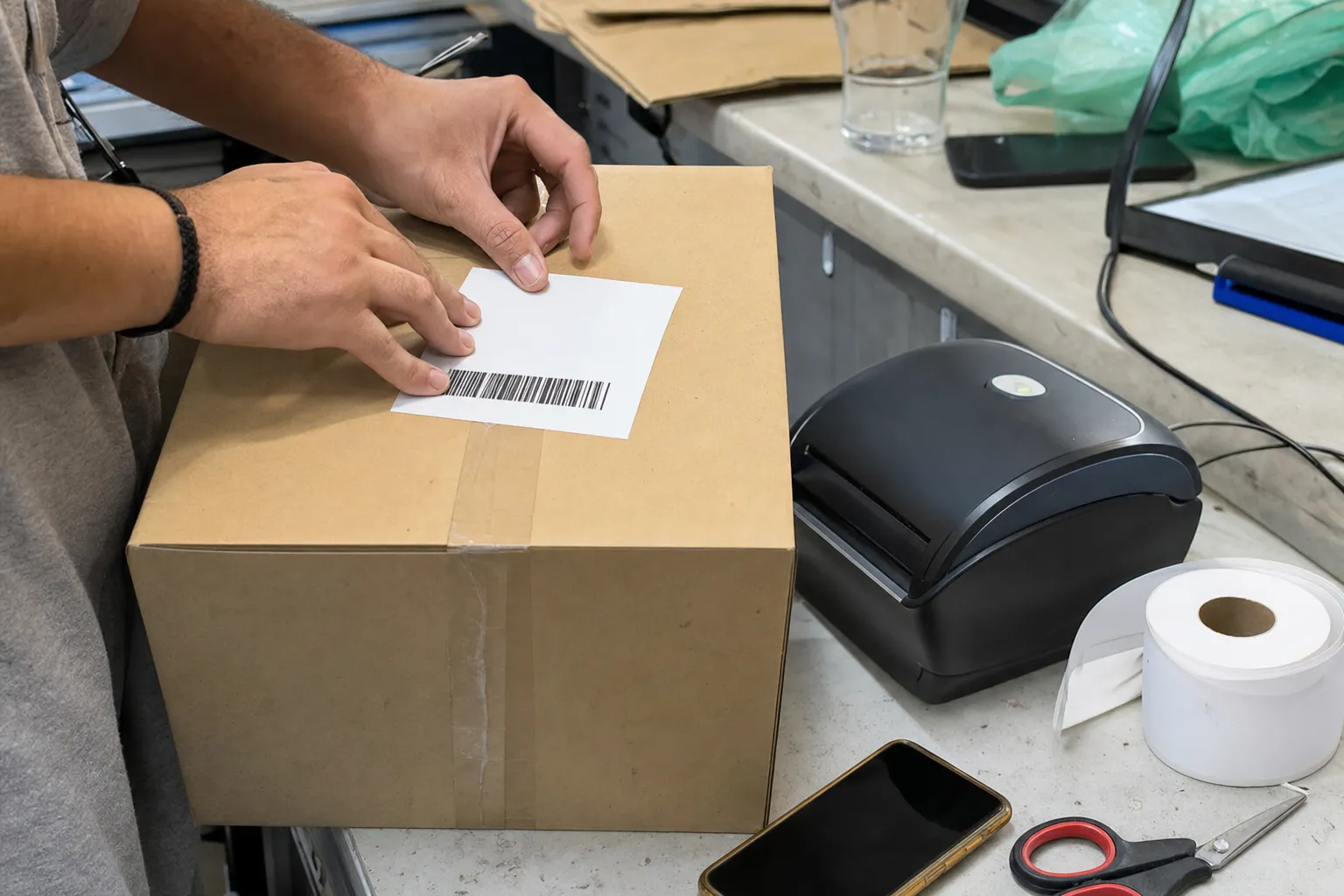
Connect a carrier and see a price for every option. Buy a label from the order, or have it bought automatically after payment. No carrier? Type a tracking number by hand.
Items2 products

Customer
Shipping address
Maya Rosen12 Hanevi'im St
Haifa
The customer paid.
The invoice is already out.
Every payment issues a tax invoice in your account with the payment provider. The number and the link appear on the order, and a refund gets a credit note.
| Order # | Payment status | Invoice | Total |
|---|
Tax invoice 40021
She already paid.
And wants one more.
Add an item to a paid order. The balance is worked out for you, a payment link goes to the customer, and once they pay the order goes back to "Paid" and the change is logged in its history.

ItemsEdit
History
Returns without
a single email.
The customer asks from their account page in your store. You approve, mark it received, and close it with a refund to the original payment method or an exchange. The item goes back into stock on its own.
Three orders.
One parcel.
A customer ordered again before you shipped? Select the orders in the list, click "Merge", and see in advance what moves over and what is dropped.

Everything else,
already here.
Tags and search
Tag orders and find them by tag.
Filters that remember
Your last filter is waiting next time.
Order history
Every change, payment and shipment, with who and when.
Manual orders
A phone or counter sale, like any other order.
Full or partial refunds
To the original payment method, with restock.
Print order
One page with everything, custom fields included.
Standing orders
Subscriptions and monthly donations on a saved card.
Or just
ask.
Everything you saw also works in a chat with your store's AI Manager, from code through the SDK, and from any AI agent through MCP.
The demos on this page recreate the dashboard. Brainerce does not issue invoices itself: the invoice is issued by the connected payment provider. Payment links are currently available with Stripe.