 Brainerce Help
BOBO, your AI agentHire your first AI agent
Hire your first AI agent
Add a specialized AI teammate for marketing, inventory, analytics, and more, and choose how independently it works.
Every store comes with BOBO, your default AI assistant. When you want a specialist, you can hire more agents, each with its own focus, tone, tools, and (optionally) schedule.
Open your AI team
- Open the AI assistant in your dashboard.
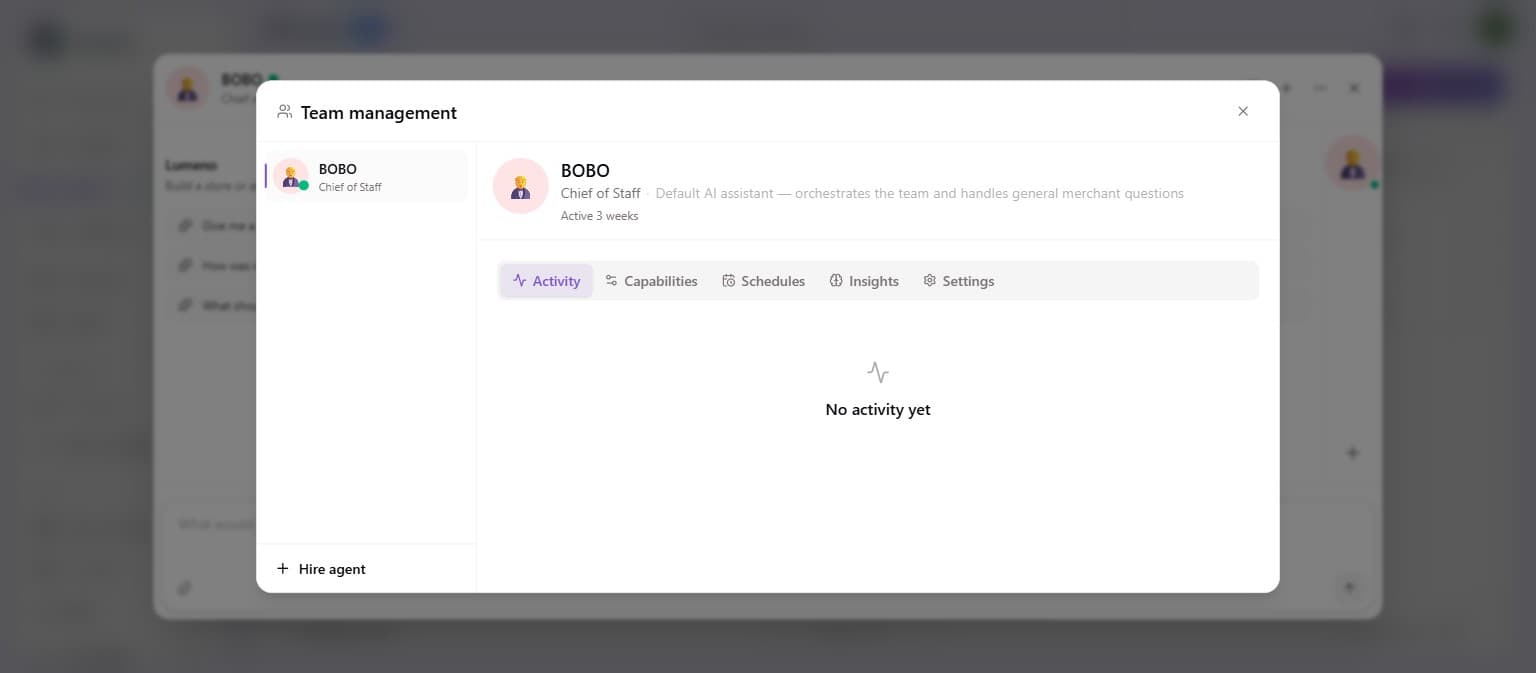
- In the assistant's ⋯ menu, choose Team management.
- This opens your team: your current agents on the left, details on the right.
Hire an agent
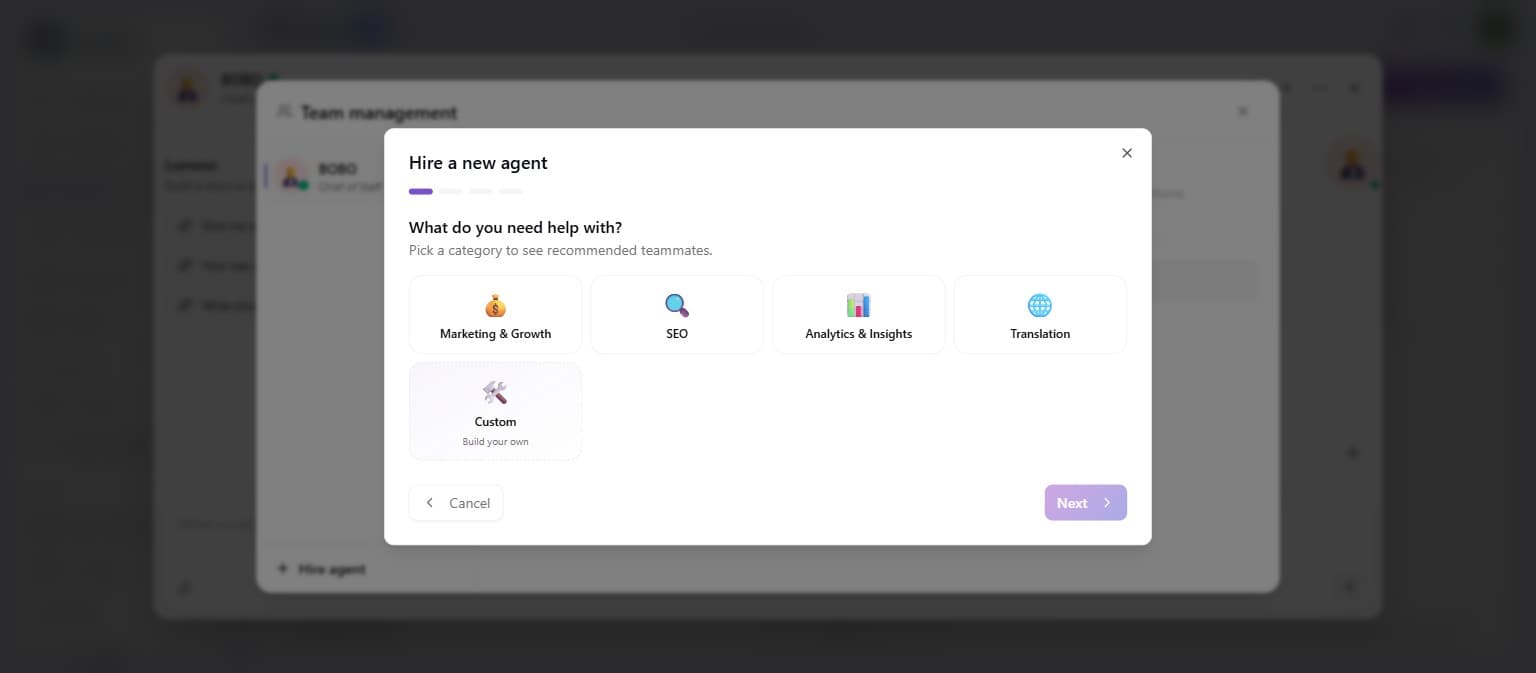
- Click Hire agent.
- Pick a category for what you need help with (Inventory, Marketing & Growth, SEO, Translation, Analytics, Pricing, Loyalty, Reviews… or Custom to build your own).
- Pick a teammate. Choose a ready-made template for that category.
- Personalize. Give them a Name, an Avatar, and a Tone (Warm and professional, Friendly, or Playful).
- Review and confirm. You'll see a summary of what the agent can do. Click Hire.
Build a custom agent
Pick Custom in step 1 to define your own: set a Role and description, choose exactly which tools the agent may use, then set:
- When it runs: On-demand, Daily, Weekly, or Event-driven (e.g. when an order is placed or a product runs low). A scheduled run can create and update things, but it never deletes or cancels. Removing a product, coupon, category or tag, or cancelling an order, always waits for you to approve it in a chat.
- How much autonomy: Full, Ask first (recommended), or Suggest only.
Manage your team
Select any agent in Team management to see:
- Activity. What it's done recently.
- Capabilities. The tools it can use and what needs approval.
- Schedules. Run now, pause, resume, or delete scheduled runs.
- Insights. Patterns and suggestions the agent has surfaced about your store.
- Settings. Add private Notes to guide it, manage AI preferences (such as which decisions it should remember), or fire an agent you no longer need.
BOBO is your built-in Chief of Staff and can't be fired, but you can shape its behavior with Notes.
AI agents use AI credits when they work. See AI credits for what each action costs.
What's next?
Need help with agents? Email [email protected].